A Brief Tour of My Homelab
Authored by Skullheadx on .
Overview
I started this homelab project as an experiment to learn more about servers, and as of , I'm now hosting a public git web frontend, git daemon, IRC bouncer, NFS, CDN, Nix bin cache, and more. This page is intended to be living documentation of my setup as it evolves to suit my ever-growing compute requirements.
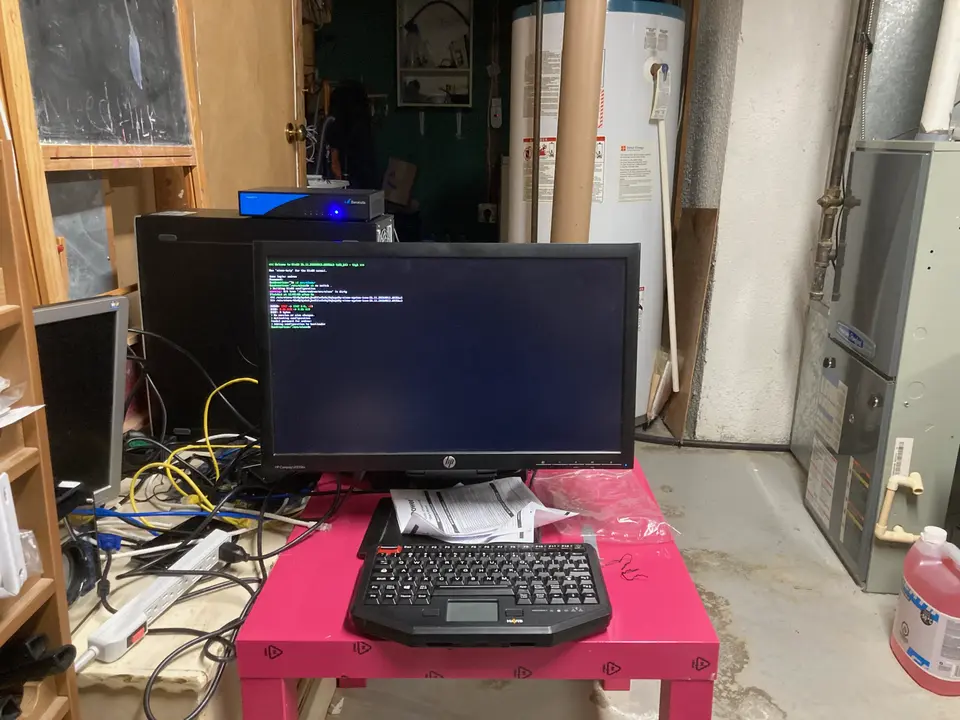
My core goals when it came to designing my network was that it would be highly efficient, simple to maintain, and cheap. I run OpenBSD on my VPS (akesis), and router at home; NixOS is running bare metal on the desktop computer (icon) in the above image.
All my DNS records point at the two static IPv4 addresses I have assigned to askesis. The firewall, pf, and relayd handle redirects to the appropriate locations. Here is where the traffic diverges into two paths:
Static Web Hosting on askesis
I run a static web hosting business, Montgomery Systems, which uses httpd to serve sites for local businesses and individuals. Also this blog is hosted there!
Home Router
The rest of the traffic is sent to the home router, which also runs pf, and relayd to route traffic to Icon. TLS termination is also handled here.
Icon
On Icon, a variety of services run as systemd services listening on various ports. Some things like my git web frontend, CDN, and Nix bin cache live behind Nginx.
Router
This Barracuda Cloudgen Firewall F12 is the firewall to the public internet at home. My VPS has a bidirectional remapping of a static IPv4 to this box over wireguard so that I can route things directly to my house. I mostly just use it for TLS termination so that I can have use a secure connection at home and outside thanks to split horizon DNS.
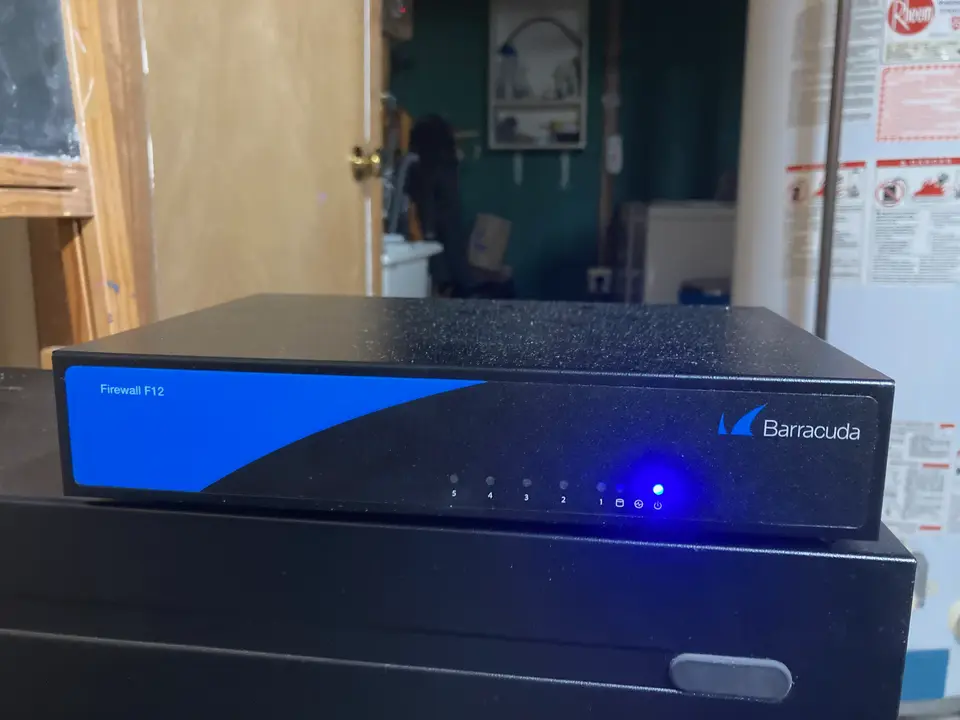
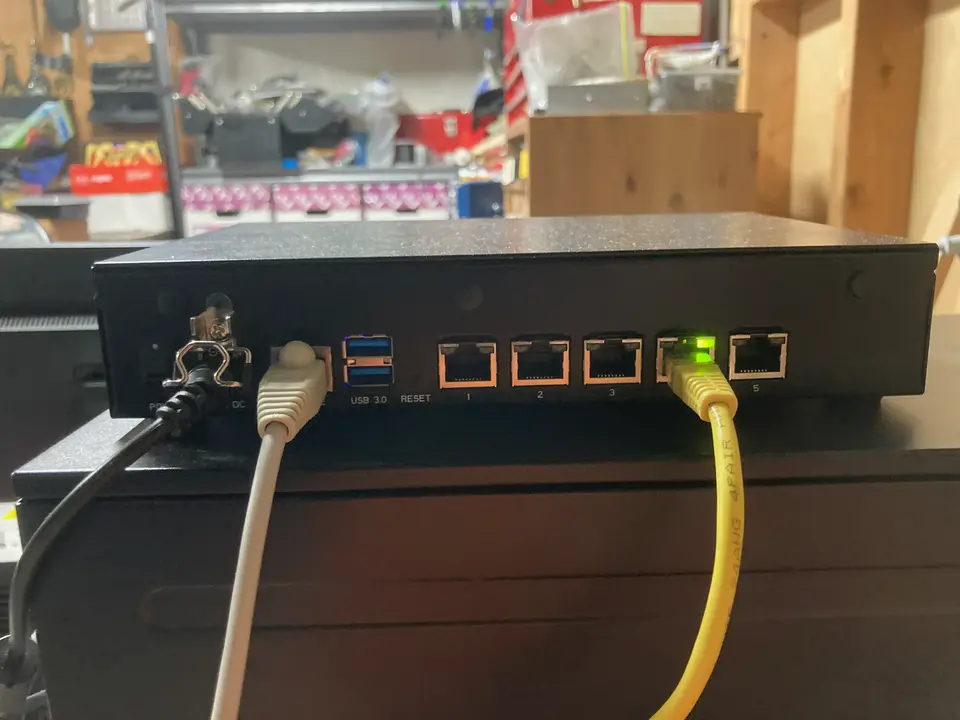
em1 is port 4, and em2 is port 5. The port ordering is just weird.In the future, I plan to move the homelab to be directly plugged into this router, but I wanted icon to be easily found via the LAN IP assigned by the ISP modem, which I do not have admin access to. I am considering upgrading my internet so that I can just use this router instead.
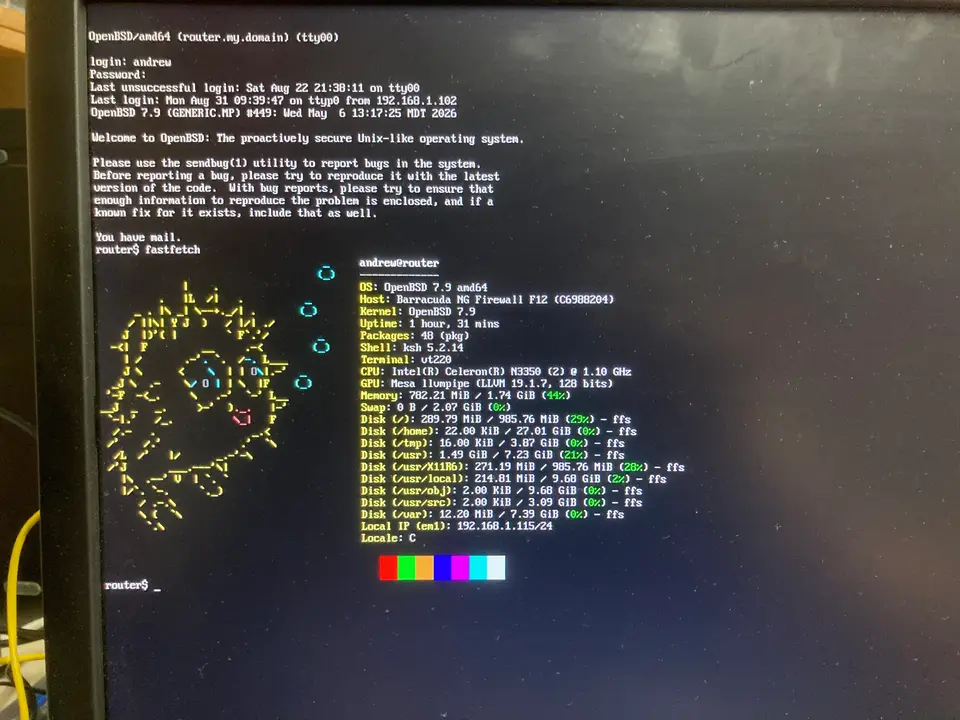
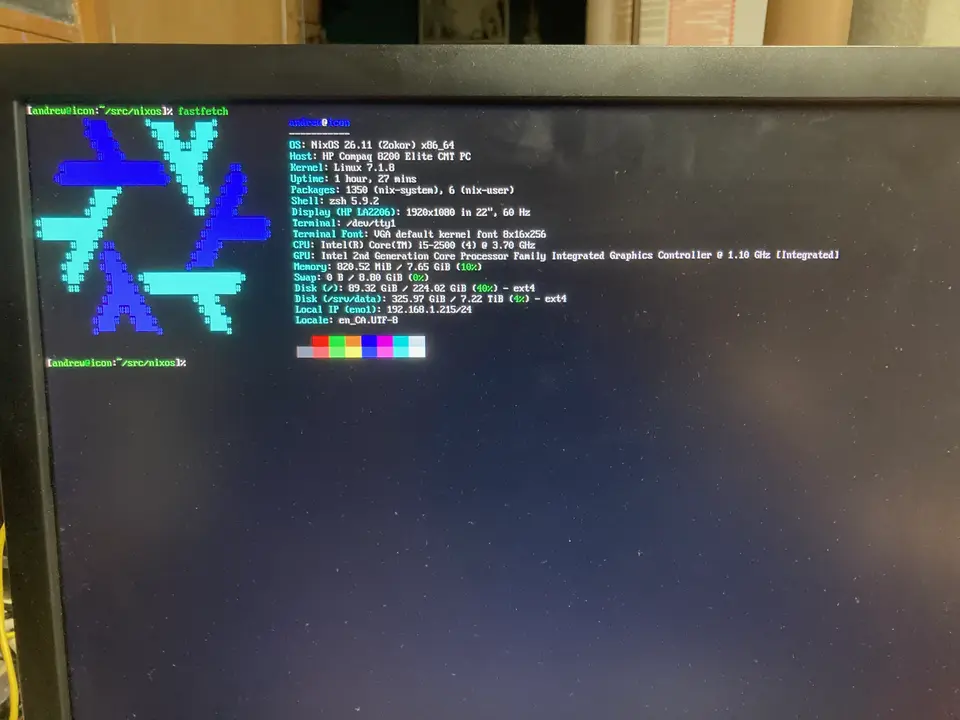
fastfetch run over serial from icon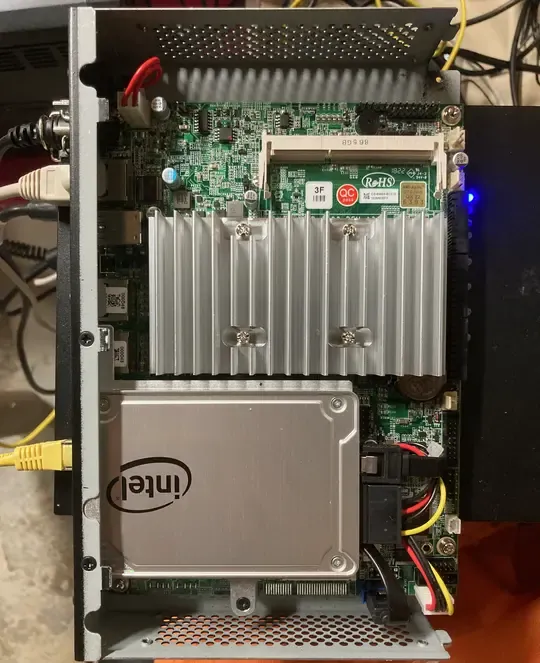
Services
pf
relayd
Here's my config in case you need an example to figure out how relayd works.
/etc/relayd.conf
local="127.0.0.1"
homelab="192.168.1.215"
vps="10.0.0.1"

table <local> { $local }
table <homelab_git> { $homelab }
table <homelab_nix_cache> { $homelab }
table <homelab_irc> { $homelab }
table <homelab_cdn> { $homelab }

http protocol "tls_filter" {
        tls keypair "git.skullheadx.com"
        tls keypair "git.montgomery.systems"

        block

        match request header "Host" value "git.skullheadx.com" tag "to_homelab_git"
        match request header "Host" value "nix-cache.skullheadx.com" tag "to_homelab_nix_cache"
        match request header "Host" value "cdn.skullheadx.com" tag "to_homelab_cdn"

        match request header "Host" value "git.montgomery.systems" tag "to_homelab_git"

        match response header remove "Server"

        match request header append "X-Forwarded-For" value "$REMOTE_ADDR"
        match request header append "X-Forwarded-By" value "$SERVER_ADDR:$SERVER_PORT"

        pass request tagged "to_homelab_git" forward to <homelab_git>
        pass request tagged "to_homelab_nix_cache" forward to <homelab_nix_cache>
        pass request tagged "to_homelab_cdn" forward to <homelab_cdn>
}

relay "tlsproxy" {
        listen on 0.0.0.0 port 443 tls
        protocol "tls_filter"
        forward to <local> port 80
        forward to <homelab_git> port 8080
        forward to <homelab_nix_cache> port 5000
        forward to <homelab_cdn> port 8081
}

tcp protocol "ircs" {
        tls { keypair git.skullheadx.com }
}

relay ircs {
        listen on 0.0.0.0 port 6697 tls
        protocol ircs

        forward to  port 6667
} 1.5.3 acme-client
1.5.4 httpd
This config mainly redirects HTTP to HTTPS. I also have the .well-known for CA cert renewal.
/etc/httpd.conf
server "git.skullheadx.com" {
        listen on * port 80
        alias "irc.skullheadx.com"
        alias "nix-cache.skullheadx.com"
        alias "mail.skullheadx.com"
        alias "cdn.skullheadx.com"

        location "/.well-known/acme-challenge/*" {
                root "/acme"
                request strip 2
        }

        location "*" {
                block return 301 "https://$HTTP_HOST$REQUEST_URI"
        }
}

server "git.montgomery.systems" {
        listen on * port 80

        location "/.well-known/acme-challenge/*" {
                root "/acme"
                request strip 2
        }

        location "*" {
                block return 301 "https://$HTTP_HOST$REQUEST_URI"
        }
}
Icon
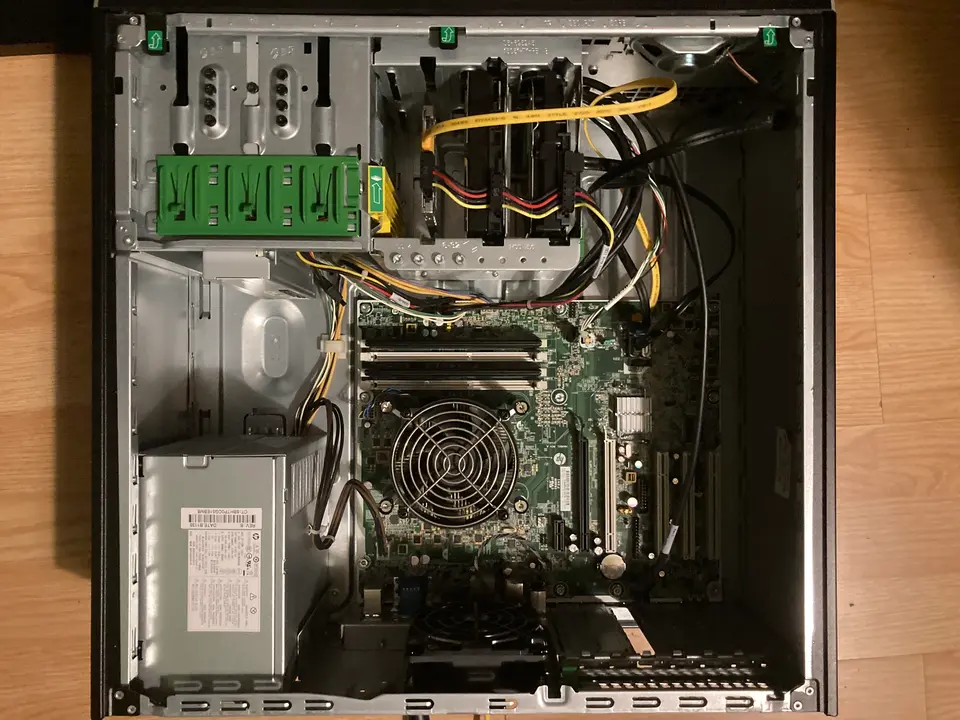
This HP Compaq 8200 Elite CMT PC is a 10 year old desktop computer transformed into the power house of my homelab running NixOS. My nix flake can be found here, and I've written about my suckless style, and 3 advantages of using NixOS on this blog.
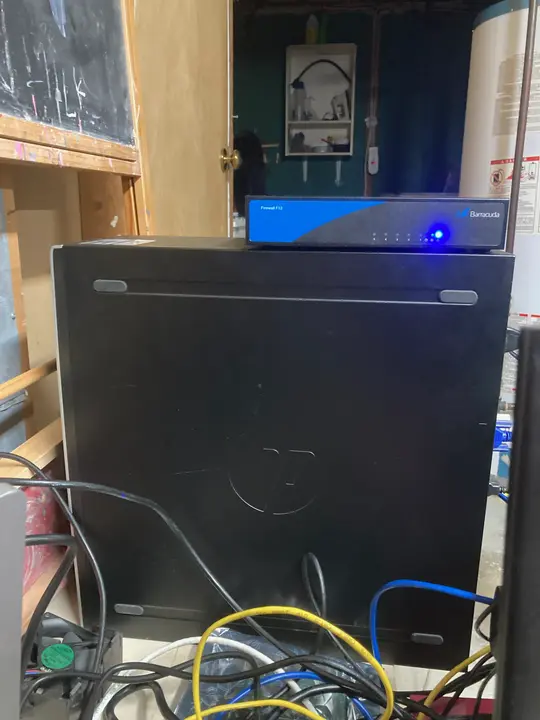
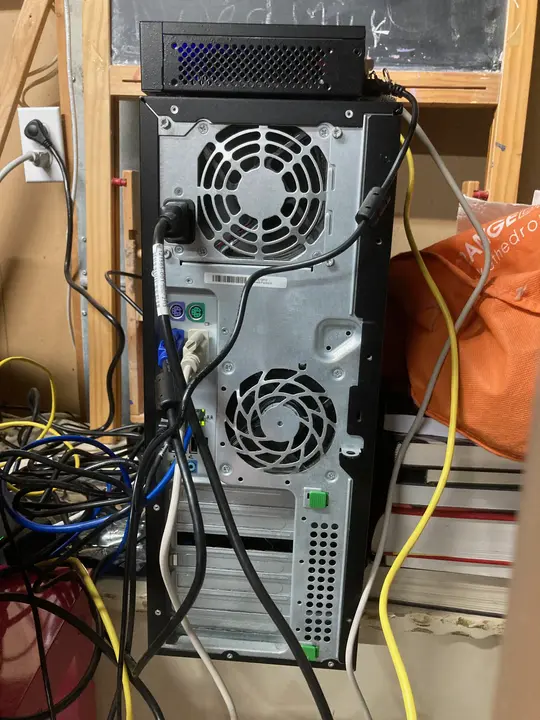
The limited specs of the system means I can't deploy bloated programs without running into severe performance problems, so I try to Keep It Simple, Stupid. I may start to separate different services like NFS into their own servers because they have different uptime SLA requirements, and it would take a bit of load off of this main box.
Services
nginx
CDN
cgit
git daemon
soju
NFS
Nix remote builder
Nix-serve-ng
dnsmasq
Observability
collectd
smartd
upsd+upsmon
Notes
UPS
The CyberPower PFC Sinewave CP850PFCLCD Uninterruptible Power Supply (UPS) ensures that blackout and brownouts don't corrupt my systems. It is able to switch from line power to battery in under 8ms. The batteries can be replaced with the RB1280A or other compatible third party batteries. Here's a link to the user manual.
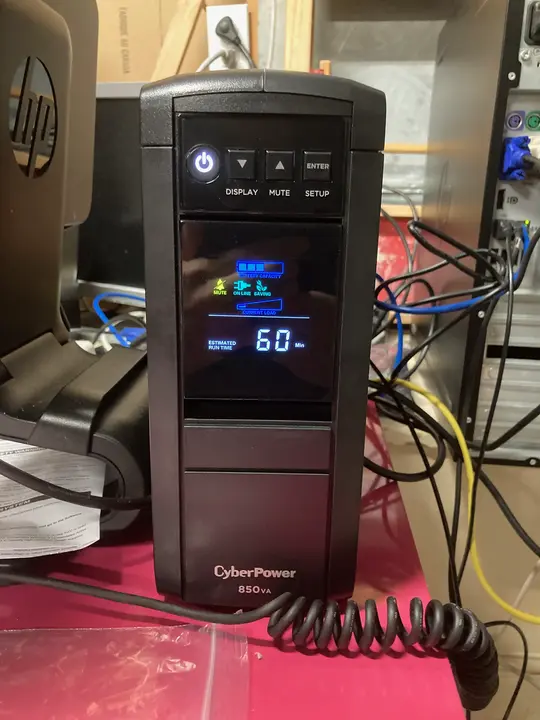
The status of the UPS and it's batteries can be monitored using upsd and upsmon to gracefully shutdown if power doesn't come back online before the battery runs out. This is still pending TODO on the homelab :/
Askesis (VPS)
Here's the VPS I got from HostHatch for 1 vCPU, 2 GB RAM, and 10 G of storage for $4 USD/mo. At least they let me get an additional static IPv4 for $2 USD/mo after contacting support. I chose them because an online acquaintance recommended them for their reputable IPs for email deliverability.
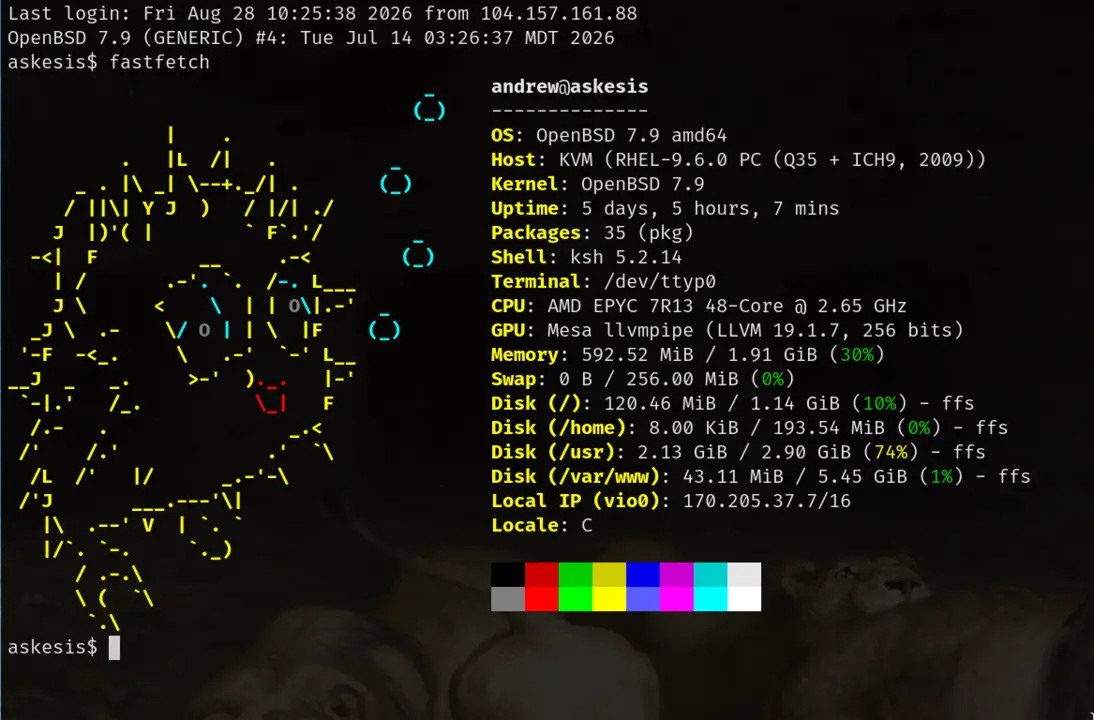
/var/www to make better use of my limited disk space. I learned how to do this from the sample chapter of Absolute OpenBSD 2e which sold me on the author's technical expertise and teaching ability.I mostly use the base packages on this system such as pf, relayd, httpd, and acme-client. This has served me very well because it's high performance at low cost!